Setup database
By default the DotNetAge required SQLServer 2008 / SQLExpress2008 installed.
If you are not install SQL Server you should read "How to : Install SQL Server"
Install .net runtime environments
DotNetAge only supported for .Net framework 4.0 , if your .net framework already installed you could ignore this step.
You can download .net framework 4.0 from : Microsoft .net framework download page
Setup IIS7
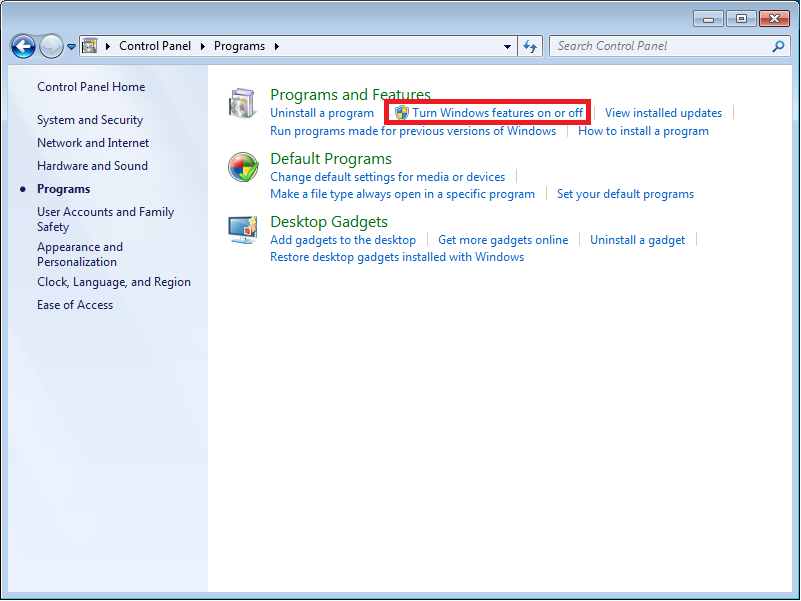
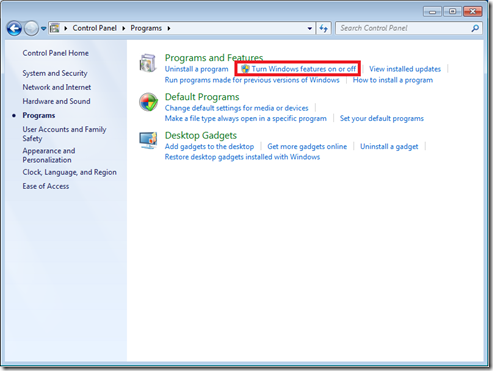
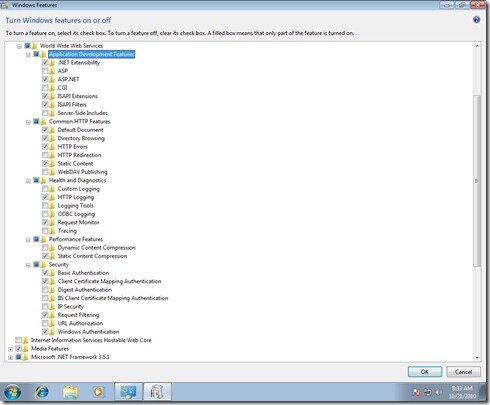
Open “Start menu->Control Panel->Programs->Turn Windows features on or off”
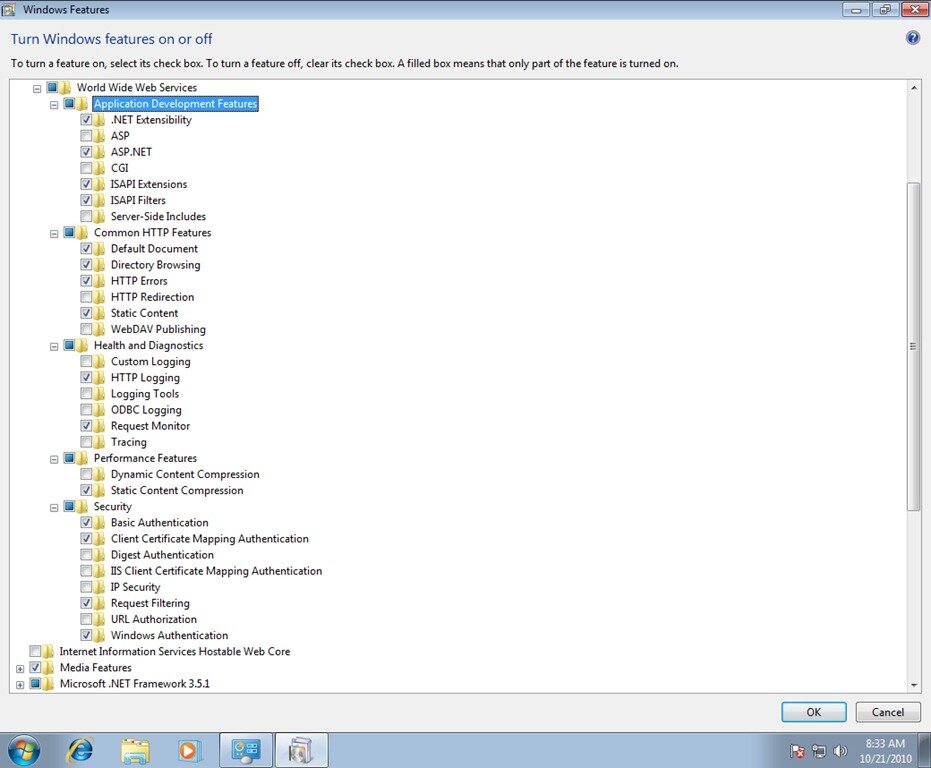
Open the windows features in below
Install the WebPI and select the “Web Platfrom” tab like below: